Server & Waitress Tips in 2026: The Complete Digital Tipping Playbook
How servers and waitresses are using QR code tipping, side-work links, and Pro analytics to increase tips 30-60% in 2026's cashless dining rooms.
Quick answer
How servers and waitresses are using QR code tipping, side-work links, and Pro analytics to increase tips 30-60% in 2026's cashless dining rooms. The classic 18-20% tip line at the bottom of a check still does most of the work, but it's no longer the *only* place tips happen. Guests close out at the table, then keep using their phones to pay separately, split bills on Venmo, and round up via QR codes parked on the check holder.

Serving in 2026: The Tip Line Isn't Enough Anymore
The classic 18-20% tip line at the bottom of a check still does most of the work — but it's no longer the *only* place tips happen. Guests close out at the table, then keep using their phones to pay separately, split bills on Venmo, and round up via QR codes parked on the check holder. If you're a server and you're not capturing those secondary tip moments, you're leaving real money on the table.
Like bartenders, servers who treat digital tipping as a layer on top of the POS — not a replacement for it — are the ones earning 30-60% more per shift in 2026.
Why Servers Need a Personal Tip Link
Your POS terminal collects the *table's* tip. But that tip:
A personal tip link (your own EZTipr page) fixes all four. It's *your* link, *your* analytics, and tips often arrive untouched by the tip pool — depending on your restaurant's policy. (Always check with management first.)
Strategy 1: The Check Presenter QR Code
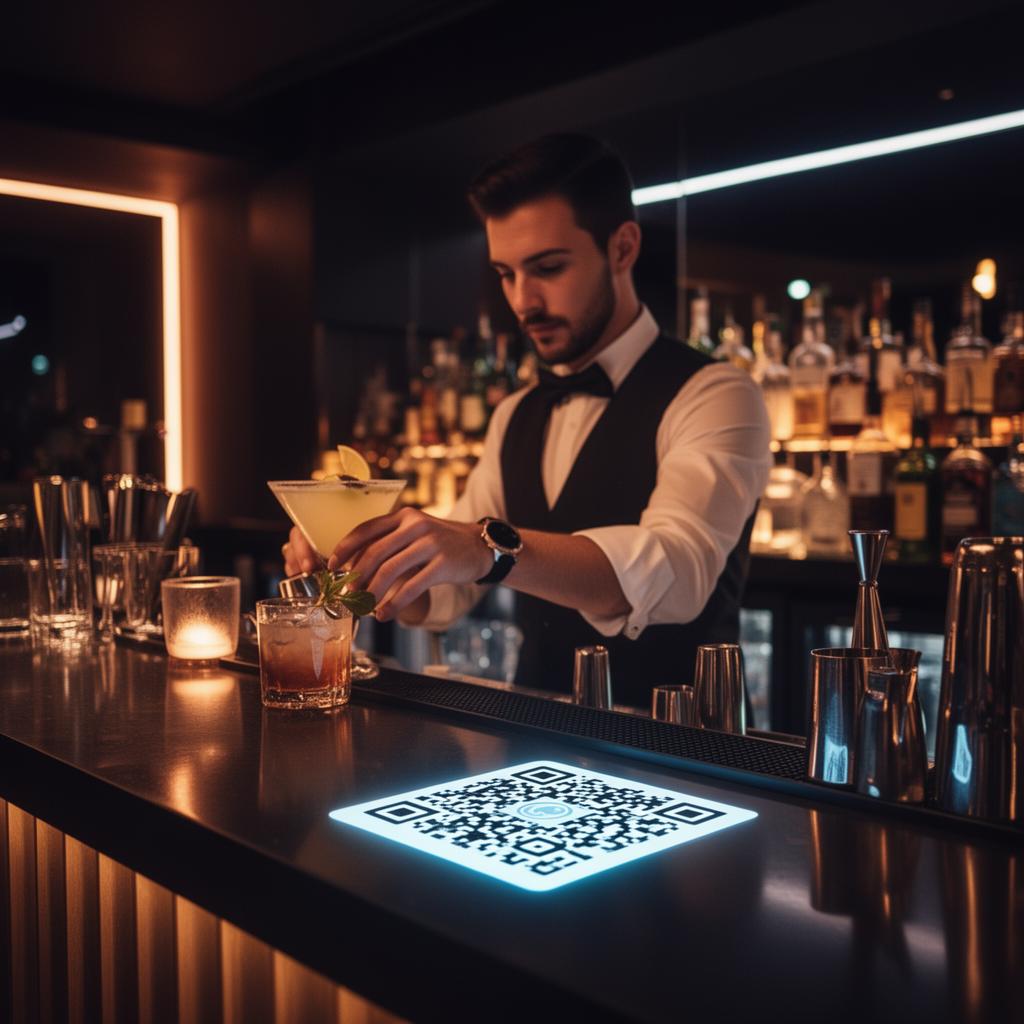
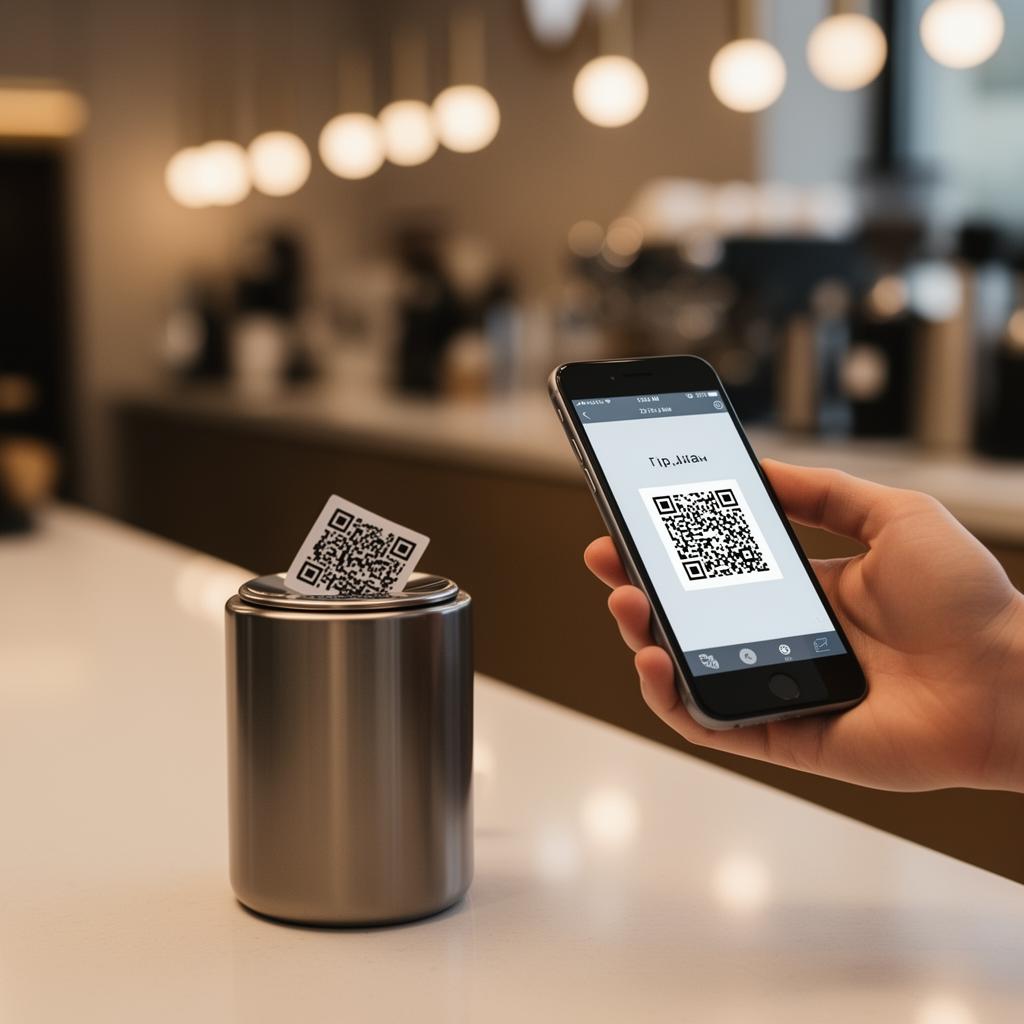
The single highest-converting placement is inside the check presenter, next to the receipt. After signing, many guests sit and chat — that's the perfect window to leave an additional digital tip.
A small laminated card that says *"Add a little extra? Scan to tip [Your Name] directly"* converts surprisingly well, especially from:
Strategy 2: Section Regulars Get Your Link
Every regular in your section is a recurring tip source if they can find you outside the restaurant. When they ask "what's your name again?" — that's your moment. Hand them a small card with your tip link and your handle.
This is the same playbook baristas use to convert daily drop-ins into Venmo regulars.
Strategy 3: The Split-Check Save
Splitting checks is where servers lose the most tip dollars. Four guests, one card, three "I'll Venmo you" promises — and one of them inevitably forgets. With a tip link, the three non-payers can scan once at the table and tip you directly, often more than they would have tipped on a split check because there's no awkward math.
Strategy 4: Late-Night and To-Go Recovery
To-go and curbside guests rarely tip well on the POS prompt (the default tip line for pickup is one of the most-skipped UX moments in restaurants). A QR code on the bag tag — *"Loved your order? Tip your server"* — recovers 15-25% of those skipped tips.
This is the same logic food truck operators have used for years.
Strategy 5: Use Analytics to Re-Order Your Payment Apps
Like hairstylists and nail techs have learned, one tap of friction removed = measurable lift in completed tips.
What Doesn't Work
The Restaurant Manager Conversation
Most managers are fine with personal tip links as long as:
Frame it as *"a way to capture tips from guests who don't use the tip line"* and most managers will green-light it.
The Numbers
Servers running personal tip links alongside the POS tip line report:
Get Your Tip Page Live Tonight
Print your QR code, drop it in your check presenter, and start capturing the tips your POS terminal is missing. Create your free EZTipr tip page — it takes 60 seconds.
Frequently asked questions
How much does EZTipr cost?
The free plan is $0 and includes a tip page, a QR code and 1 payment method. Pro is $0.99 per month or $9.99 per year, which is 2 months free, and adds unlimited payment methods, themes, full analytics and removes EZTipr branding. Every new individual signup starts with a 7-day free Pro trial and no credit card is required.
Does EZTipr take a cut of tips?
No. Tips go directly from the guest to the worker inside the guest's own payment app. EZTipr never touches the money and charges 0% on tips.
Which payment apps can a tip page use?
Cash App, Venmo, PayPal, Zelle and Apple Pay, plus any custom payment link. Zelle and Apple Pay are copy-only so the handle stays private.
Related Articles
Ready to Earn More Tips?
Create your free tip page in under 60 seconds. No credit card required.
Get Started Free →