QR Code Tipping: The Complete Guide for Service Workers
Everything you need to know about QR code tipping — how it works, why customers prefer it, and how to set it up in under a minute.
Quick answer
Everything you need to know about QR code tipping, how it works, why customers prefer it, and how to set it up in under a minute. QR code tipping lets customers scan a code with their phone camera and tip you instantly through their preferred payment app, Venmo, Cash App, PayPal, or Zelle. No cash needed, no app downloads required.
What Is QR Code Tipping?
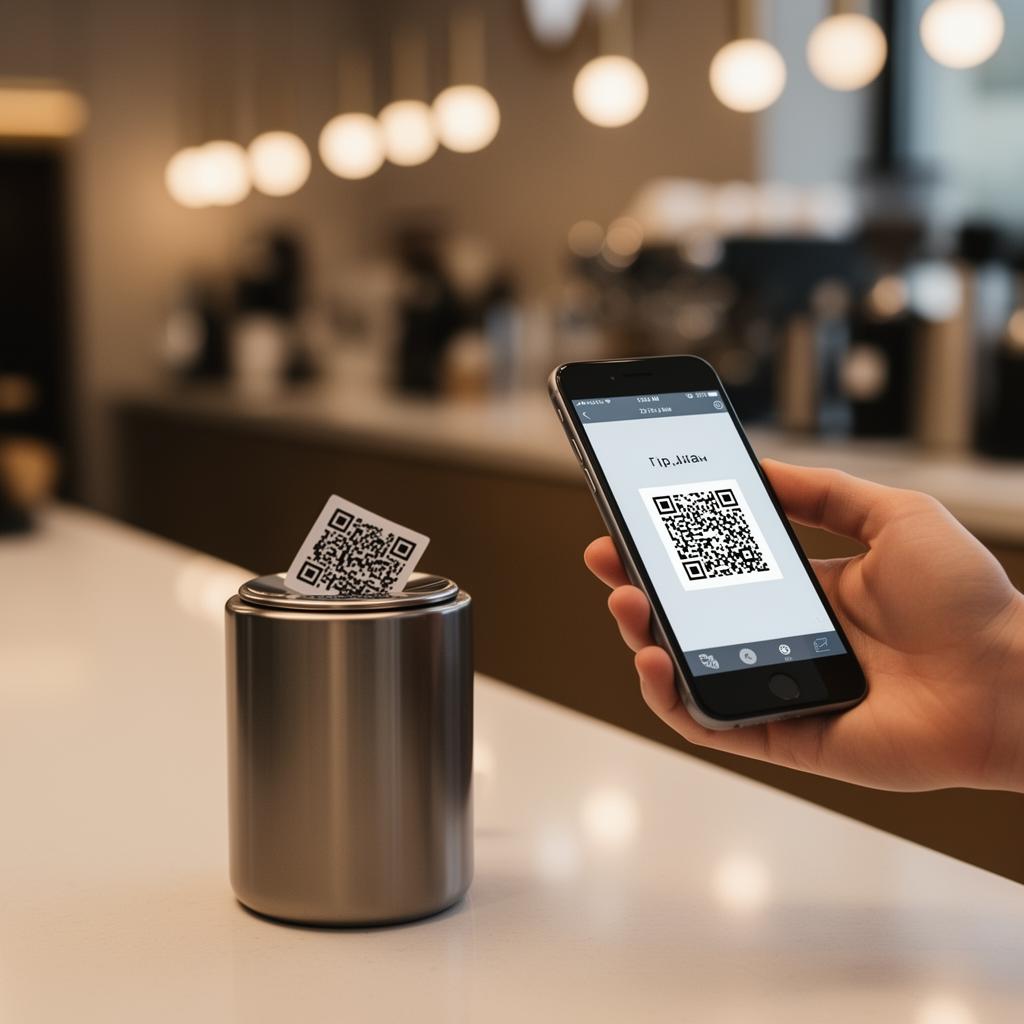
QR code tipping lets customers scan a code with their phone camera and tip you instantly through their preferred payment app — Venmo, Cash App, PayPal, or Zelle. No cash needed, no app downloads required.
It's the bridge between the customer's desire to tip and the reality that most people don't carry cash anymore. A simple scan replaces fumbling through a wallet, and the result is more tips, larger tips, and happier customers.
Why QR Code Tipping Is Growing Rapidly
The shift away from cash has accelerated dramatically in 2025-2026:
For service workers — bartenders, hairstylists, valets, barbers, tattoo artists, musicians — this shift means adapting or losing tips to the cashless economy.
The opportunity is massive
The US tipping economy is worth over $36 billion annually. If even 10% of cash tips are lost due to customers not carrying cash, that's $3.6 billion in missed income for service workers. QR code tipping captures those lost tips.
How QR Code Tipping Works (Step by Step)
For the Service Worker:
1. Create a tip page with your payment links — takes 60 seconds on EZTipr
2. Get your unique QR code — it's generated automatically, free to download
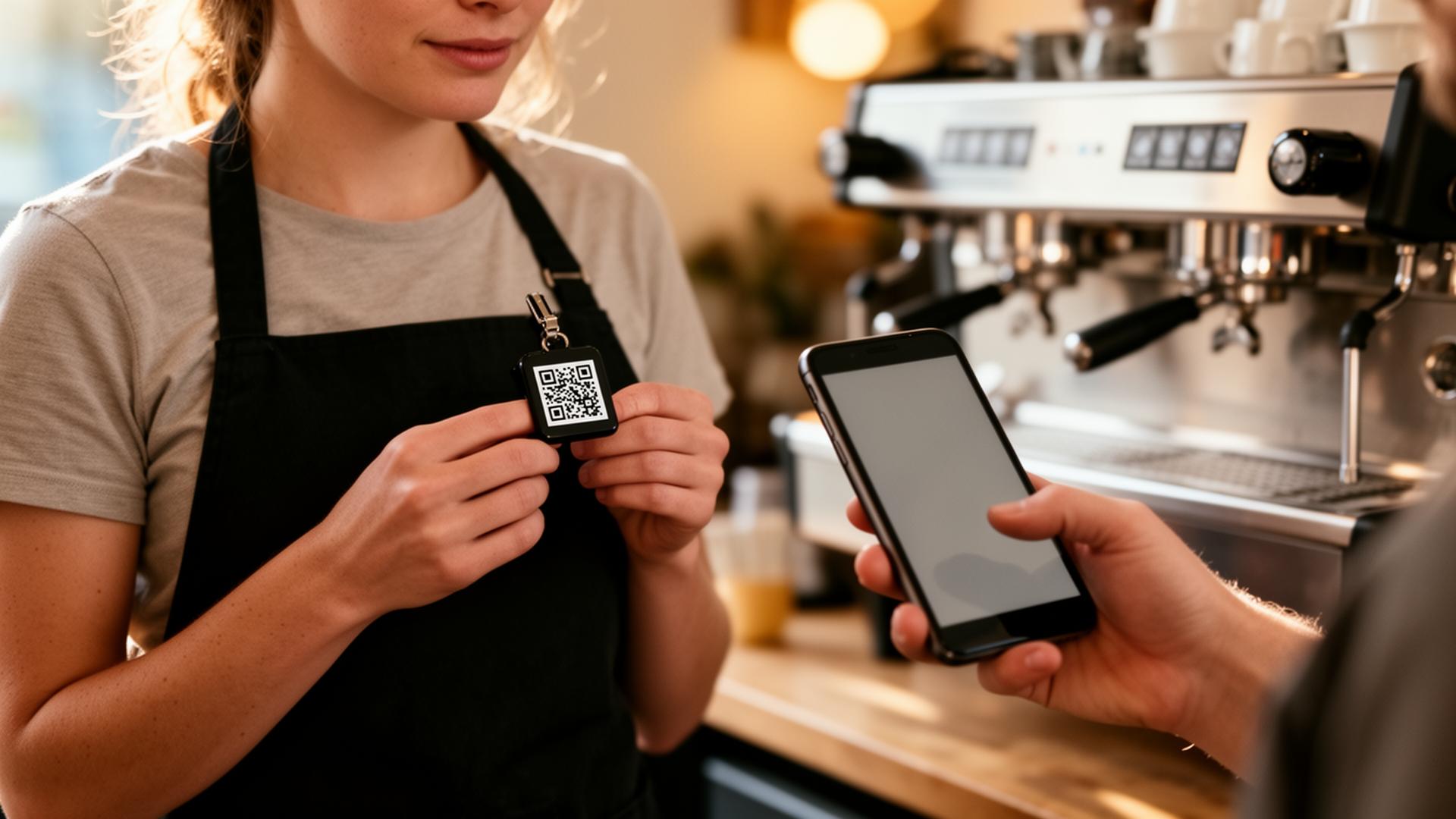
3. Display it at your station, on your phone, or wear it as a QR Pin
For the Customer:
1. Open their phone camera — no app needed
2. Scan the QR code — a link opens in their browser
3. Choose their payment app — Venmo, Cash App, PayPal, Zelle
4. Tap and tip — the money goes directly to the service worker's account
The money goes straight to your account. No middleman, no processing fees from the tip platform, no waiting periods.
QR Code Tipping by Industry
Bartenders & Servers
Hairstylists & Barbers
Valets & Parking Attendants
Musicians & Performers
Tattoo Artists
Best Practices for Maximum Tips
Placement Matters More Than You Think
The #1 factor in QR code tipping success is visibility. If customers don't see it, they can't use it. Test different spots and track which placement generates the most scans.
Keep Your Payment Options Simple
Don't overwhelm customers with 10 payment options. List your top 3-4 apps, with the most popular one first. Use EZTipr analytics to identify which apps your customers prefer.
Make It Professional
A branded tip page with your name, photo, and a short bio builds trust. Customers are more likely to tip when they feel a personal connection. Generic link-in-bio tools don't convey "this is for tipping" — purpose-built tip pages like EZTipr do.
Use the Right QR Code Size
The EZTipr Advantage Over Generic Solutions
Common Questions About QR Code Tipping
Is it safe?
Yes. The QR code simply opens a link to your tip page. Customers choose their own payment app and authenticate with their own credentials. No financial information is shared with the tip page.
Do customers need to download an app?
No. The QR code opens in the phone's browser. Customers then tap through to their preferred payment app (Venmo, Cash App, etc.), which they already have installed.
How much does it cost?
Can I use it with cash tips too?
Absolutely. The best approach is a hybrid strategy — keep your tip jar AND display your QR code. Capture both cash and digital tippers.
Get Started in 60 Seconds
Ready to start capturing cashless tips? Create your free EZTipr page and download your QR code today. It's free, it takes under a minute, and it could increase your tips by 30% or more.
Frequently asked questions
What Is QR Code Tipping?
QR code tipping lets customers scan a code with their phone camera and tip you instantly through their preferred payment app, Venmo, Cash App, PayPal, or Zelle. No cash needed, no app downloads required. It's the bridge between the customer's desire to tip and the reality that most people don't carry cash anymore. A simple scan replaces fumbling through a wallet, and the result is more tips, larger tips, and happier customers.
Is it safe?
Yes. The QR code simply opens a link to your tip page. Customers choose their own payment app and authenticate with their own credentials. No financial information is shared with the tip page.
Do customers need to download an app?
No. The QR code opens in the phone's browser. Customers then tap through to their preferred payment app (Venmo, Cash App, etc.), which they already have installed.
How much does it cost?
EZTipr is free to start. The free plan includes 1 payment method and a QR code. Pro plans unlock unlimited methods, analytics, and custom themes.
Can I use it with cash tips too?
Absolutely. The best approach is a hybrid strategy, keep your tip jar AND display your QR code. Capture both cash and digital tippers.
Related Articles

Ready to Earn More Tips?
Create your free tip page in under 60 seconds. No credit card required.
Get Started Free →