How to Accept Tips Online Without a Website (2026 Guide)
Accept digital tips in under 60 seconds — no website, no app downloads, no card reader. Step-by-step setup using one QR code that links to Venmo, Cash App, PayPal, Zelle, and Apple Pay.
Quick answer
Accept digital tips in under 60 seconds, no website, no app downloads, no card reader. Step-by-step setup using one QR code that links to Venmo, Cash App, PayPal, Zelle, and Apple Pay. You don't need a website to accept tips online. Create a single tip page, a free link-in-bio for tipping, that connects all your payment apps (Cash App, Venmo, PayPal, Zelle, Apple Pay) under one QR code.
Short answer
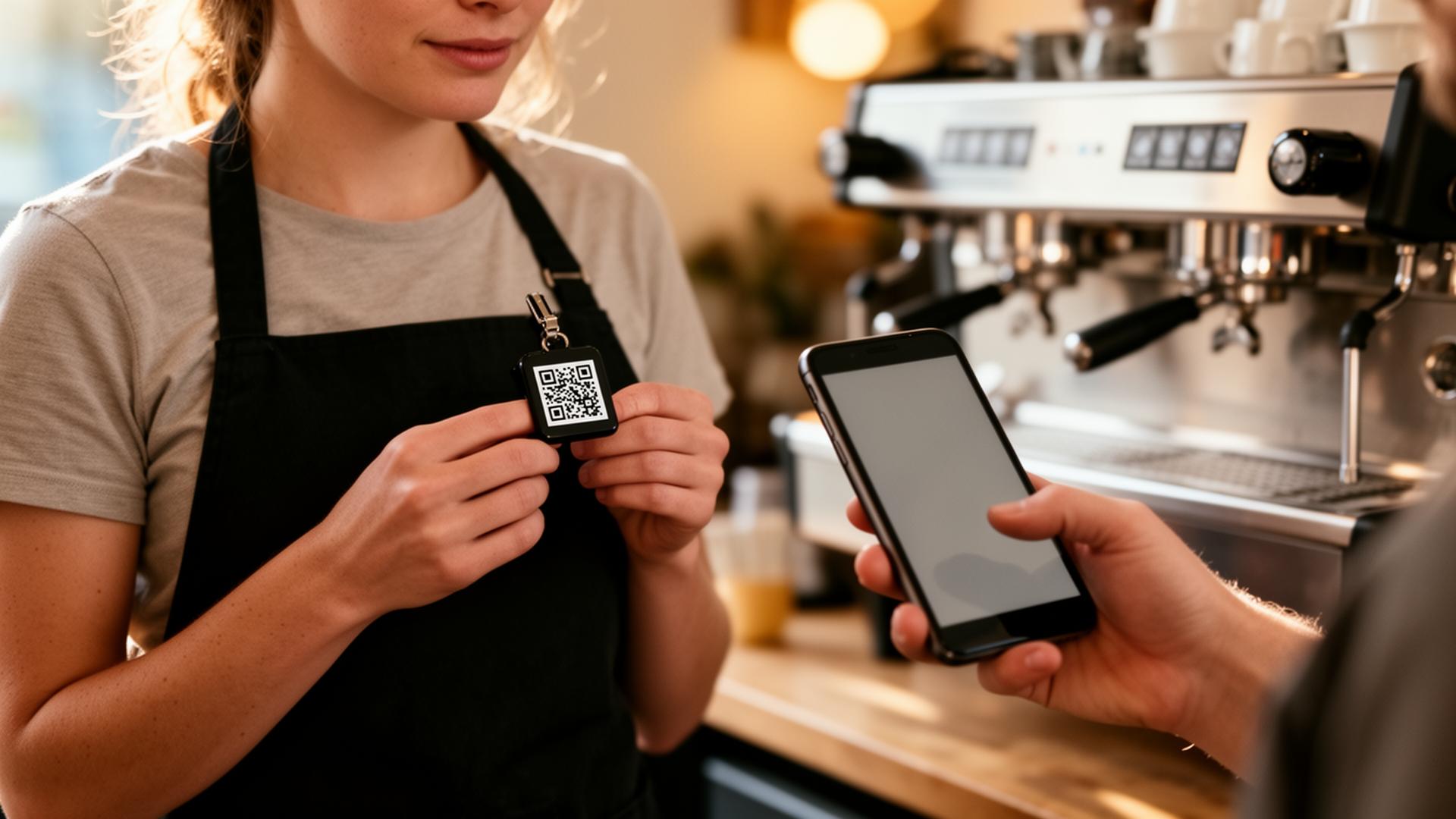
You don't need a website to accept tips online. Create a single tip page — a free link-in-bio for tipping — that connects all your payment apps (Cash App, Venmo, PayPal, Zelle, Apple Pay) under one QR code. Customers scan, pick their app, and tip directly into your existing wallet. Setup time: under 60 seconds. Cost: free. No card reader, no business account, no website required.
Why a tip page beats every other option
Most service workers try one of three things first, and all three leak tips:
1. Posting a single Venmo QR. Works for Venmo users. Loses every Cash App, PayPal, Zelle, and Apple Pay tipper — that's the majority of guests under 40.
2. Writing your @ on a chalkboard. Forces guests to type, switch apps, and trust they spelled your handle right. Most don't bother.
3. A card reader (Square, SumUp). Pulls 2.6% – 3.5% per tip, requires a business account, and adds a second device to manage on shift.
A tip page solves all three: one QR, every wallet, zero fees on the tip itself.
The 60-second setup
Step 1 — Pick a username
Go to eztipr.com/signup and pick a username. This becomes your tip URL: `eztipr.com/u/yourname`. Use the same name people already know you by — your work nickname, your Instagram handle — so guests find you again.
Step 2 — Add your payment apps
Paste in the usernames you already use for:
You don't need new accounts. EZTipr links to the wallets you already have.
Step 3 — Share the QR or link
Your dashboard generates a printable QR automatically. Three places it works hardest:
That's the whole setup. You're now accepting tips from every modern wallet.
Frequently asked questions
Do I need a business account or LLC?
No. Tips go directly into your existing personal wallets. EZTipr never holds the money. See our FAQs page for the full breakdown on accounts, fees, and taxes.
Will customers need to download an app?
No. They already have one of the linked payment apps on their phone. Scanning the QR opens that app directly with your handle pre-filled — they just type the amount and send.
How much does EZTipr take from each tip?
Zero. Tips flow peer-to-peer through your payment apps. EZTipr charges nothing per tip — the only paid plan is Pro at $0.99/mo, which is optional and adds analytics and custom themes.
Does it work without Wi-Fi?
The QR scan itself just needs the guest's cell signal — printed QRs work anywhere. Your tip page is hosted online, so the guest's phone briefly loads it like any normal link.
Can I do this if I don't speak tech?
Yes. The signup is three fields. If you can use Instagram, you can set this up. The 7-day Pro trial is on by default so you can see the full feature set without committing.
Where this works best
This setup is used today by bartenders, baristas, servers, hairstylists, barbers, tattoo artists, valet drivers, delivery drivers, hotel housekeepers, massage therapists, dog groomers, personal trainers, tour guides, musicians, and DJs. If you're in a tipped role and customers ever say "I would have tipped but I don't have cash" — this is the fix.
Get started
Create your free tip page in under 60 seconds →
No card needed. Free forever for individuals.
Related Articles


Ready to Earn More Tips?
Create your free tip page in under 60 seconds. No credit card required.
Get Started Free →