Digital Tips vs Cash Tips: Why Going Cashless Earns You More
Data shows digital tipping leads to higher tip amounts. Learn why cashless customers tip more and how to capture every digital tip.
Quick Answer: What Are Cashless Tips?
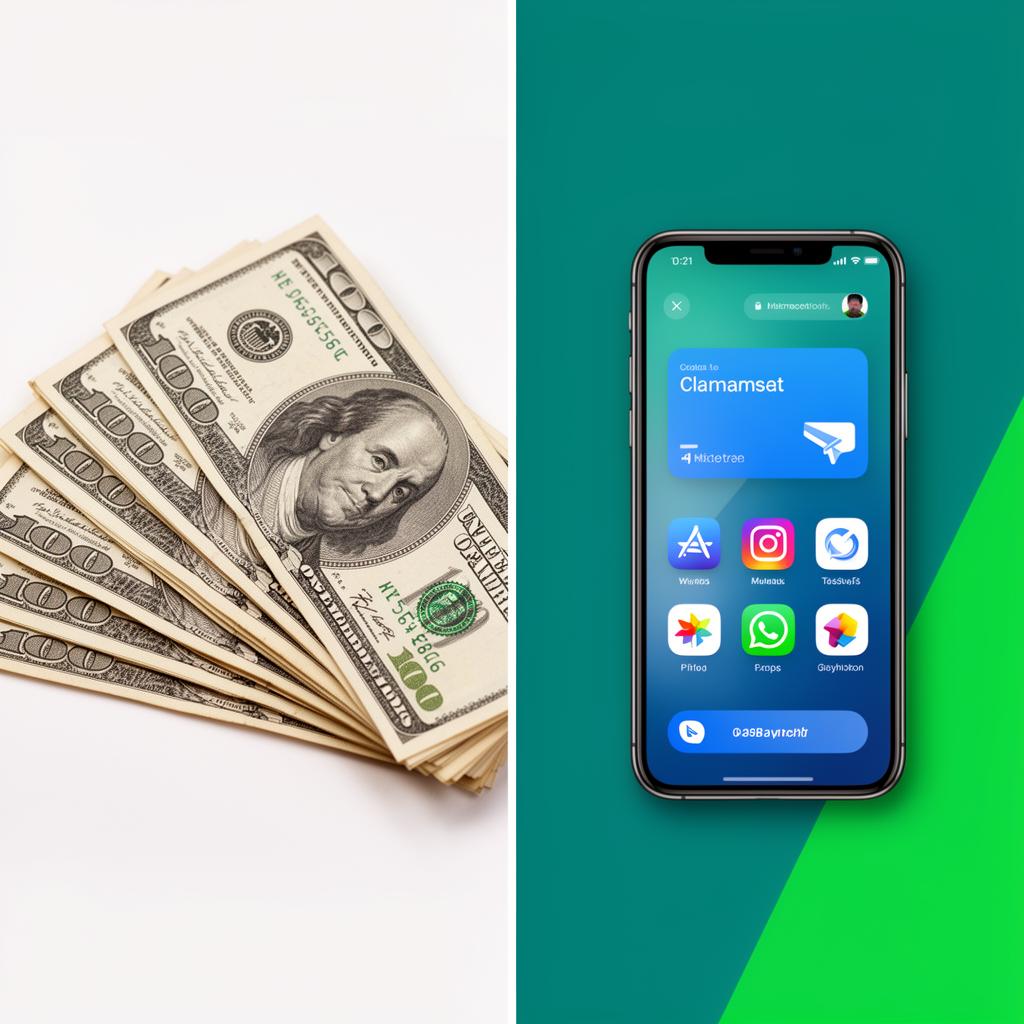
Cashless tips are tips paid from a phone or card instead of with bills or coins. The most common way to take cashless tips without a card machine is a QR code: the guest scans it, picks an app like Cash App, Venmo, PayPal, Zelle or Apple Pay, and the tip goes straight to the worker. Guests do not download an app or make an account.
How Does Cashless Tipping Work?
Cashless tipping works in three steps: the guest scans a QR code or opens a link, picks a payment app they already have, and sends the tip straight to the worker's own account.
Is Cashless Tipping Free for Workers?
Yes. With EZTipr, cashless tipping is free on the free plan, which covers one payment method with EZTipr branding, and EZTipr takes no cut of any tip. Pro is $0.99 a month or $9.99 a year if you want unlimited payment methods and no branding.
Do Guests Need an App for Cashless Tips?
No. Guests scan the QR code or tap the link and the tip page opens in their browser. There is no app to download and no account to create. They pay in Cash App, Venmo, PayPal, Zelle or Apple Pay, whichever they already use.
Want the bigger picture? Read our guide to electronic tipping, or compare digital tipping software.
Why Digital Tips Can Beat Cash
Many service workers notice that guests who can tip from their phone tip more often than guests who have to dig for cash. The reason is simple: a guest without cash cannot leave a cash tip at all, and a guest with a phone can tip any amount in a few seconds.
The Psychology Behind Bigger Digital Tips
1. No "Breaking a Bill" Barrier
A customer holding only a large bill faces an awkward choice: leave too little, or ask for change. Many simply leave whatever coins they have, or nothing.
With digital payments, customers type any amount they want. There is no physical limit on what they can give, so the amount reflects how they felt about the service instead of what happened to be in their pocket.
2. Suggested Amount Anchoring
Many payment and checkout screens show suggested tip amounts. Seeing a suggestion makes it easier for a guest to pick an amount quickly instead of stopping to work one out.
3. The Pain of Paying Is Reduced
Behavioral economics research shows that physical money triggers more "pain of paying" than digital transactions. Handing someone a $5 bill feels like losing $5. Tapping a button to send $5 on Venmo feels more abstract and less painful.
This "payment pain reduction" is widely discussed in consumer spending, and it applies to tipping too.
4. Privacy and Social Comfort
Some customers feel awkward handing cash directly to a service worker. It can feel transactional or patronizing. Digital tipping is discreet and modern: a scan, two taps, done. This comfort translates to:
5. Built-In Receipts and Tax Benefits
Business travelers, event planners, and organized individuals appreciate the automatic digital receipt that comes with payment apps. For customers who expense tips or track spending, digital tipping is simply more practical, and practical options get used more.
The Lost Tip Problem: What You're Missing
The biggest cost of cash-only tipping isn't smaller tips. It's missed tips entirely.
Every guest who wants to tip but carries no cash walks away without tipping. A QR code gives those guests a way to say thank you, in the payment app they already have, with no app download and no account.
The Hybrid Strategy: Best of Both Worlds
You don't have to choose between cash and digital. The smartest service workers use a hybrid approach:
Step 1: Keep your tip jar visible
Cash tippers will still drop bills. Don't remove this option.
Step 2: Add a QR code to your tip jar
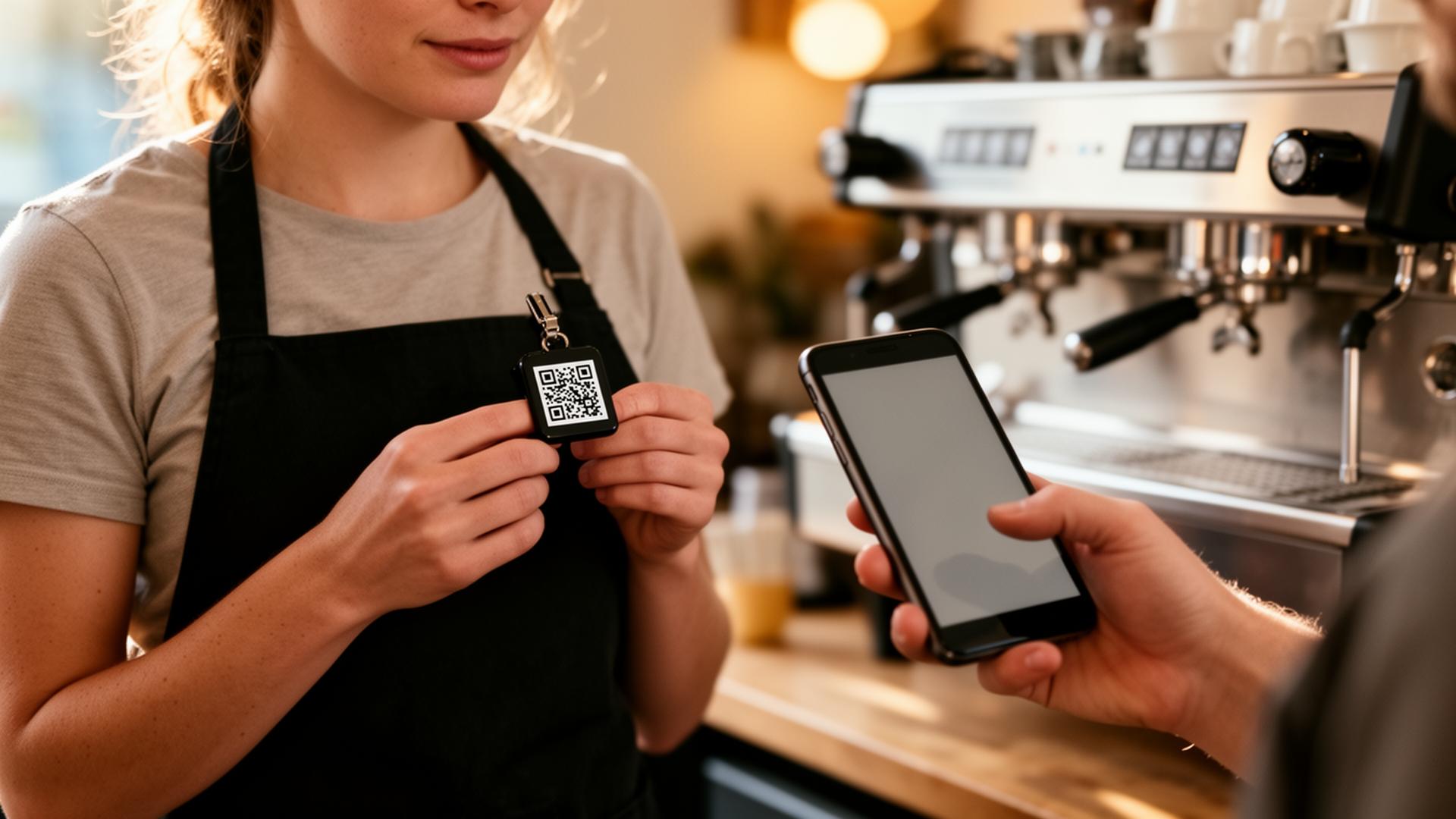
Stick a QR code on your jar with "Scan to Tip Digitally" text. This captures both audiences in one spot.
Step 3: Create a [free EZTipr page](/signup)
Set up your Venmo, Cash App, and PayPal links. It takes 60 seconds and costs nothing.
Step 4: Mention it to cashless customers
A simple "I also take digital tips if you don't have cash" opens the door without pressure.
Step 5: Track and optimize
Use EZTipr Pro analytics to see which payment methods get the most traction, and reorder them for maximum conversions.
The Future Is Already Here
Fewer people carry cash every day, and more of them pay with a phone or card. Tips follow the way people pay.
Service workers who adapt now will thrive. Those who wait will watch their tip income erode year by year.
Start Earning More Today
The switch to digital tipping takes 60 seconds and costs nothing. Create your free EZTipr page, download your QR code, and start capturing the tips you're currently missing.
Frequently asked questions
Quick Answer: What Are Cashless Tips?
Cashless tips are tips paid from a phone or card instead of with bills or coins. The most common way to take cashless tips without a card machine is a QR code: the guest scans it, picks an app like Cash App, Venmo, PayPal, Zelle or Apple Pay, and the tip goes straight to the worker. Guests do not download an app or make an account.
How Does Cashless Tipping Work?
Cashless tipping works in three steps: the guest scans a QR code or opens a link, picks a payment app they already have, and sends the tip straight to the worker's own account. The guest scans your QR code or opens your link. A tip page opens in their phone's browser. They pick the app they already use. Cash App, Venmo, PayPal, Zelle or Apple Pay.
Is Cashless Tipping Free for Workers?
Yes. With EZTipr, cashless tipping is free on the free plan, which covers one payment method with EZTipr branding, and EZTipr takes no cut of any tip. Pro is $0.99 a month or $9.99 a year if you want unlimited payment methods and no branding.
Do Guests Need an App for Cashless Tips?
No. Guests scan the QR code or tap the link and the tip page opens in their browser. There is no app to download and no account to create. They pay in Cash App, Venmo, PayPal, Zelle or Apple Pay, whichever they already use. Want the bigger picture? Read our guide to electronic tipping, or compare digital tipping software.
Related Articles

Ready to Earn More Tips?
Create your free tip page in under 60 seconds. No credit card required.
Get Started Free →