Why Customers Prefer Digital Tipping (And How to Make It Easy)
Understand the customer psychology behind digital tipping and learn how to offer a seamless cashless tip experience that earns you more.
Quick answer
Understand the customer psychology behind digital tipping and learn how to offer a seamless cashless tip experience that earns you more. When we survey customers about why they prefer digital tipping, the answers go much deeper than "I don't carry cash." Understanding the psychology behind customer tipping behavior gives you a strategic advantage that translates directly into higher income. The service workers who earn the most tips aren't necessarily the best at their jobs, they're the best at removing barriers between the customer's desire to tip and the act of tipping.
It's Not Just About Convenience — It's About Psychology
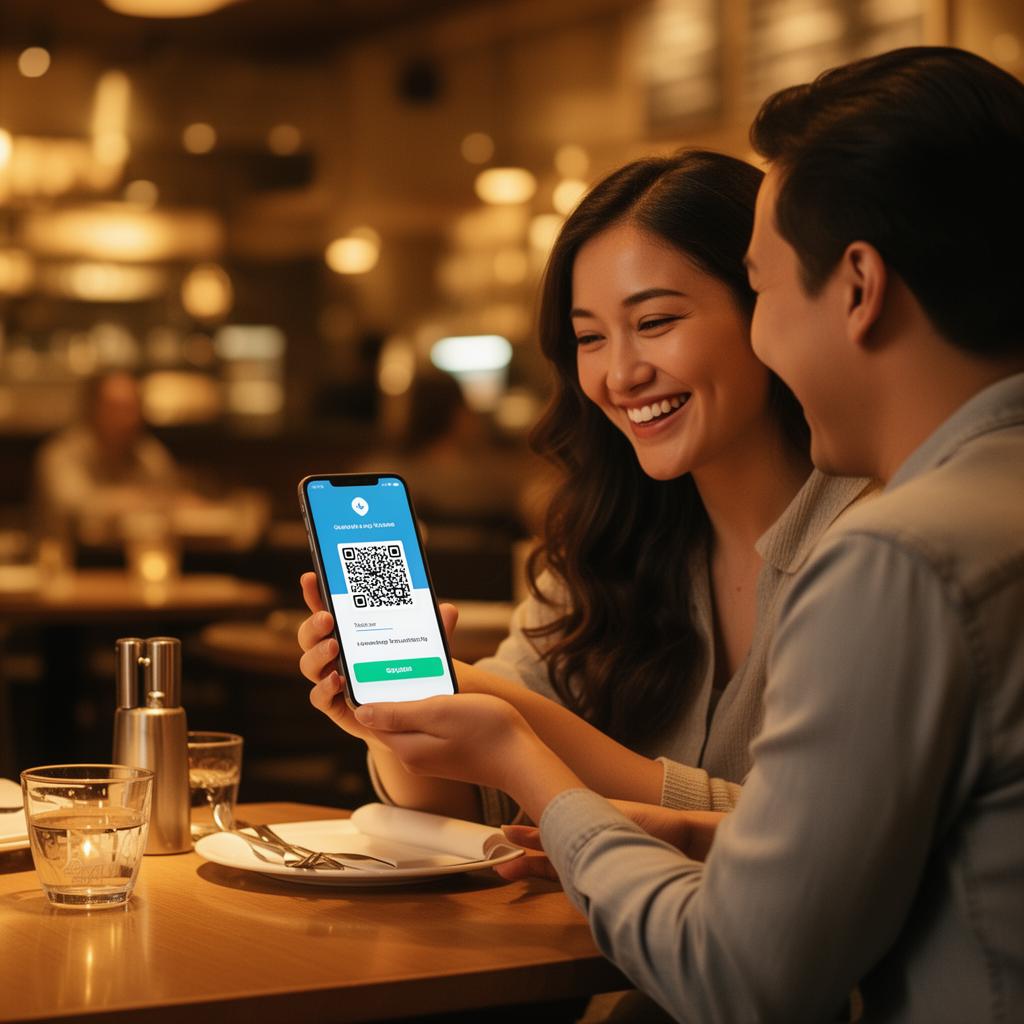
When we survey customers about why they prefer digital tipping, the answers go much deeper than "I don't carry cash." Understanding the psychology behind customer tipping behavior gives you a strategic advantage that translates directly into higher income.
The service workers who earn the most tips aren't necessarily the best at their jobs — they're the best at removing barriers between the customer's desire to tip and the act of tipping.
The 5 Psychological Reasons Customers Prefer Digital Tips
1. Speed Reduces Decision Fatigue
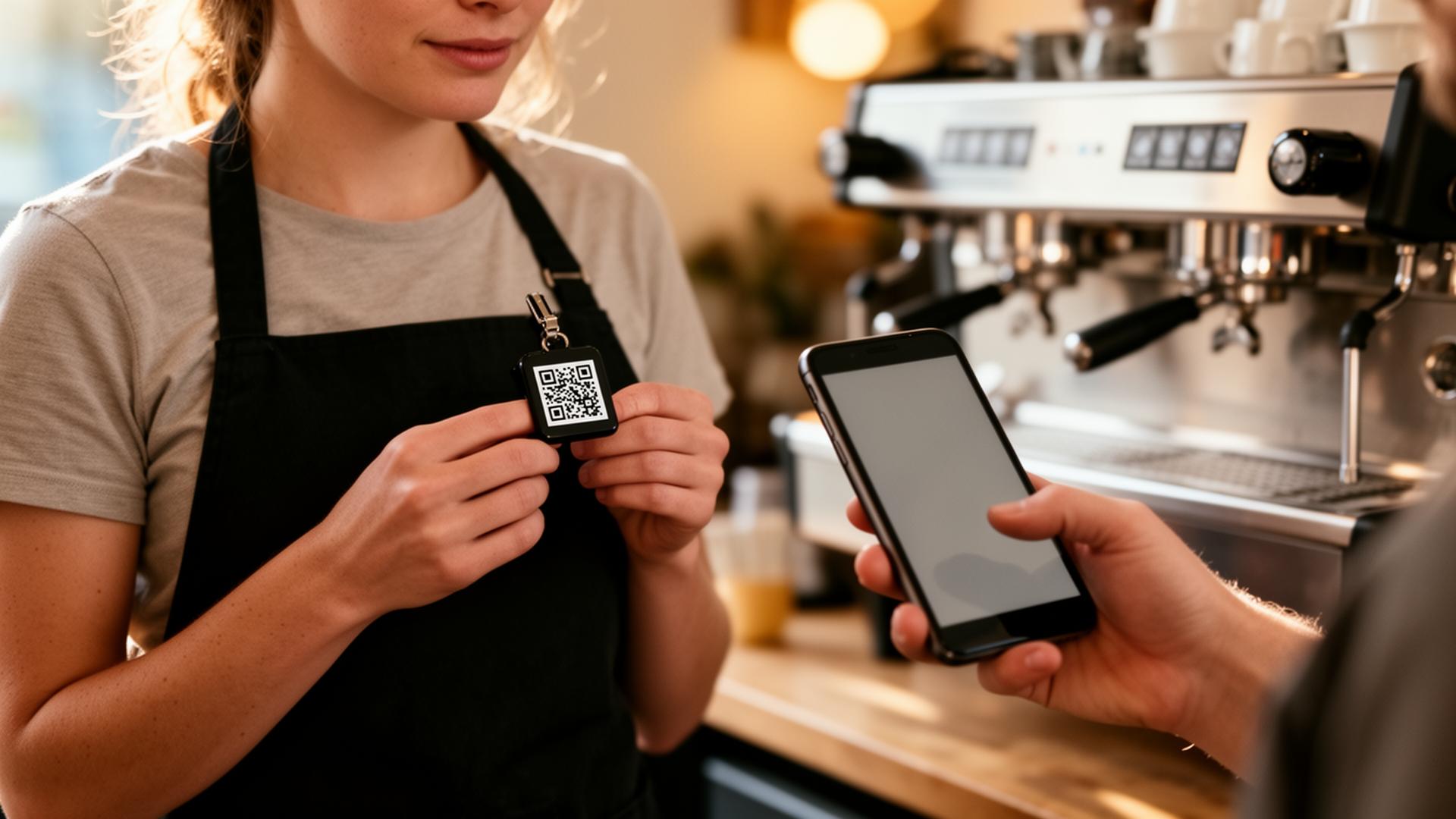
Scanning a QR code takes 3 seconds. Digging for cash, counting bills, asking for change, deciding on an amount, handling coins — that takes a minute or more and involves multiple micro-decisions.
In behavioral psychology, this is called decision fatigue. Every additional step in a process reduces the likelihood of completion. Digital tipping removes steps:
Fewer steps = more completed tips. It's that simple.
2. Choice Empowers the Customer
Not every customer uses the same payment app. Some prefer Venmo, others Cash App, others PayPal, others Zelle. When you offer only one option, you create friction for everyone who uses a different app.
A digital tip page with multiple options lets customers tip their way. This sense of control and empowerment leads to:
3. Digital Tipping Removes Social Awkwardness
Handing someone cash can feel transactional, especially in intimate service settings like hair salons, massage studios, or personal training sessions. Many customers experience a moment of social discomfort:
A quick QR scan removes all of this awkwardness. The tip happens privately, on the customer's phone, at their chosen amount. Nobody watches, nobody judges, nobody feels uncomfortable.
Research backs this up:
Studies show that 31% of people who don't tip in-person would tip if given a private digital option. That's an entire third of your customer base that becomes accessible through digital tipping.
4. Larger Tip Amounts Are Psychologically Natural
Digital interfaces fundamentally change how people think about money:
The result? Average digital tips are 48% higher than cash tips across all service industries.
5. Built-In Record Keeping Motivates Repeat Tipping
For a significant segment of customers — business travelers, organized planners, budget trackers — the automatic digital receipt is a major draw.
But there's a deeper psychological benefit: repeat tipping behavior. When a customer tips digitally:
1. The transaction appears in their payment app history
2. They see your name and profile every time they open the app
3. When they return for service, tipping is one tap away — no re-entering information
4. Over time, tipping becomes automatic and habitual
This habit formation means digital tippers become lifetime tippers — far more valuable than one-time cash tippers.
How to Make Digital Tipping Effortless for Your Customers
Remove Every Single Barrier
Signal Availability Without Being Pushy
Customers won't tip digitally if they don't know they can. The art is making it obvious without being aggressive:
Optimize Your Tip Page for Trust
A clean, professional tip page converts more scans into tips. Key elements:
The Compounding Effect of Digital Tipping
Here's what most service workers don't realize about digital tips: they compound over time.
The flywheel:
1. Customer scans your QR code and tips once
2. Your link is saved in their payment app history
3. Next visit, tipping is one tap — no re-scanning needed
4. They tip every visit, often increasing amounts over time
5. They share your link with friends who visit your establishment
6. Your tip network grows organically
Real numbers:
Service workers who've used EZTipr for 6+ months report:
This is the power of digital tipping: it's not just a one-time transaction. It's a tip income engine that grows stronger every month.
Start Capturing Digital Tips Today
The setup takes 60 seconds. The cost is zero. The upside is 30-50% more in tips.
Frequently asked questions
How much does EZTipr cost?
The free plan is $0 and includes a tip page, a QR code and 1 payment method. Pro is $0.99 per month or $9.99 per year, which is 2 months free, and adds unlimited payment methods, themes, full analytics and removes EZTipr branding. Every new individual signup starts with a 7-day free Pro trial and no credit card is required.
Does EZTipr take a cut of tips?
No. Tips go directly from the guest to the worker inside the guest's own payment app. EZTipr never touches the money and charges 0% on tips.
Which payment apps can a tip page use?
Cash App, Venmo, PayPal, Zelle and Apple Pay, plus any custom payment link. Zelle and Apple Pay are copy-only so the handle stays private.
Related Articles

Ready to Earn More Tips?
Create your free tip page in under 60 seconds. No credit card required.
Get Started Free →