How to Set Up a Tip Page in Under 60 Seconds
Step-by-step guide to creating your own digital tip page with QR code. Free, fast, and works with Venmo, Cash App, PayPal, and more.
Quick answer
Step-by-step guide to creating your own digital tip page with QR code. Free, fast, and works with Venmo, Cash App, PayPal, and more. Setting up a digital tip page sounds complicated, but with EZTipr it's genuinely a 60-second process. We've timed it.
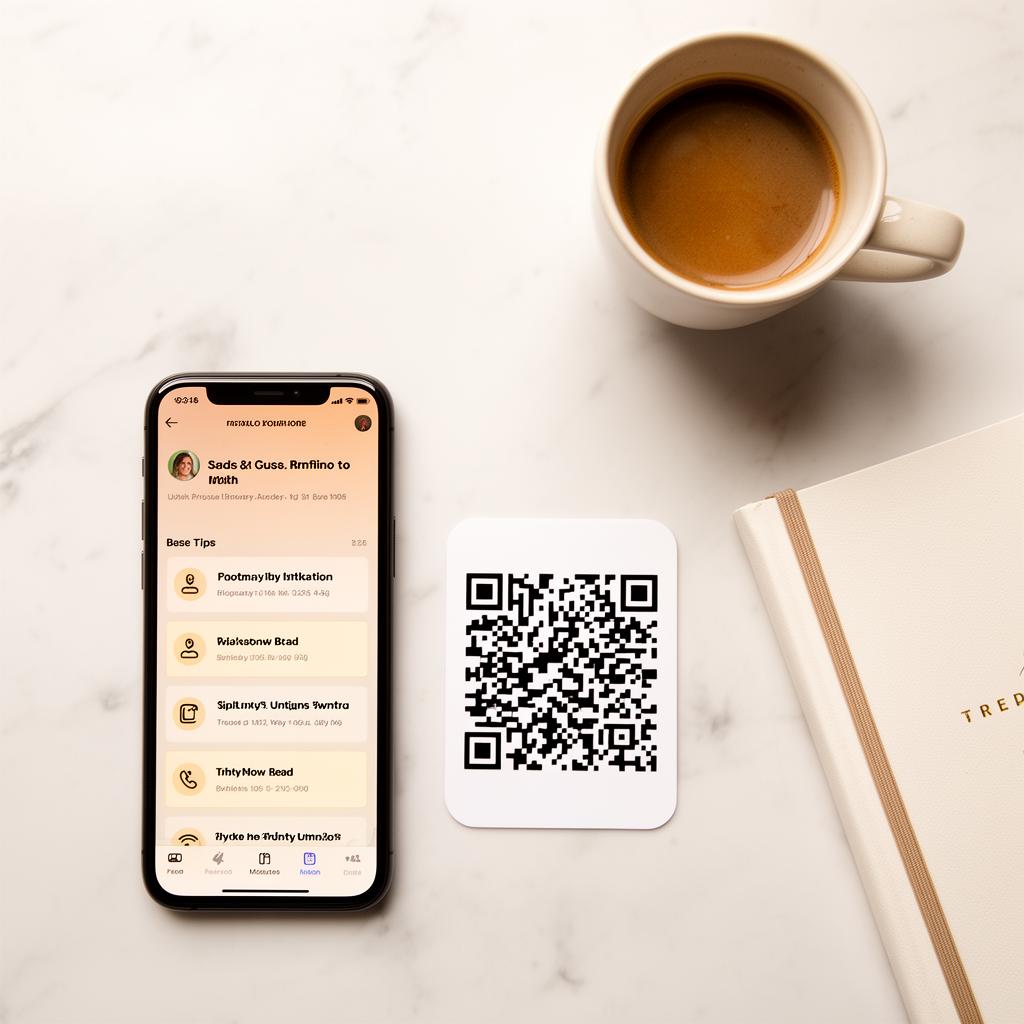
Your Free Tip Page in 4 Simple Steps
Setting up a digital tip page sounds complicated, but with EZTipr it's genuinely a 60-second process. We've timed it. Thousands of service workers have done it. Here's exactly how — with screenshots-worth-of-detail so you know exactly what to expect.
Step 1: Sign Up (15 seconds)
Go to eztipr.com/signup and create an account with your email and a password. Choose a username — this becomes your personal tip page link.
Your URL will be:
eztipr.com/u/yourname
Choose something memorable and professional:
Pro tip:
Your username is also what appears on your QR code when people scan it. Choose something that builds trust instantly.
Step 2: Add Your Payment Methods (20 seconds)
Enter your handles for the payment apps you use. EZTipr supports all major platforms:
Free plan includes 1 payment method
That's enough for most service workers. Add your two most popular apps (typically Venmo + Cash App or Cash App + PayPal).
[EZTipr Pro](/pricing) includes unlimited payment methods
If your customers are split across multiple apps, Pro lets you add as many as you need. You can also reorder them by priority.
Which apps should you add?
Here's what's most popular in 2026:
1. Cash App — #1 among Gen Z and younger millennials
2. Venmo — #1 among millennials and Gen X
3. PayPal — trusted by all age groups, especially international customers
4. Zelle — popular for larger tips and bank-direct transfers
If you can only pick two, go with Cash App + Venmo — they cover 80%+ of digital tippers.
Step 3: Customize Your Page (15 seconds)
Add your display name and optionally a short bio. This is what customers see when they scan your QR code.
Display name ideas:
Bio ideas (keep it short):
[Pro customization](/pricing):
Step 4: Download Your QR Code (10 seconds)
Hit the download button in your dashboard to save your unique QR code as a high-resolution image. It's ready to print, share, or display instantly.
That's it. Your tip page is live and ready to accept tips from anyone with a smartphone.
What Your Customers See
When someone scans your QR code or visits your link, they see:
1. Your name and bio — builds immediate trust
2. Your profile photo (if Pro) — face = authenticity
3. A list of your payment apps — big, tappable buttons
4. They tap their preferred app → it opens directly → they tip you
The experience is:
The entire customer experience takes under 10 seconds from scan to tip.
Pro Tips for Maximum Impact
Print multiple QR codes
One for your station, one for your bag, one for your car, and extras for regulars who want to share your code with friends. The more places your QR code exists, the more tips you'll receive.
Laminate for durability
A laminated QR code on your tip jar or counter lasts months without fading or getting damaged by spills. A simple $2 lamination pouch from any office supply store works perfectly.
Order [QR Pins](/pricing)
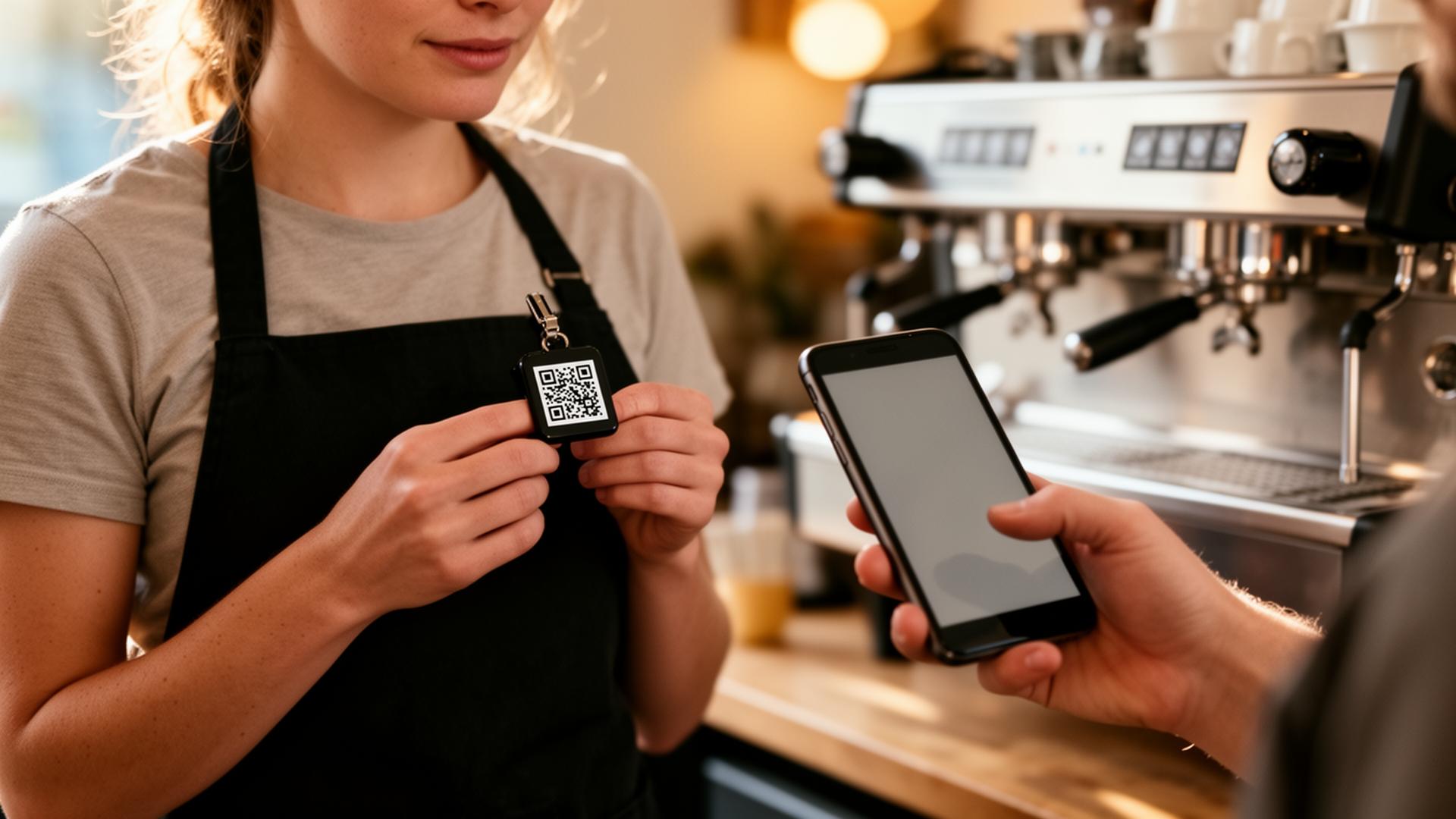
Wearable, waterproof, and professional-looking. QR Pins clip to your apron, vest, or lanyard. Available as a 5-pack of 2.25" pins ($24.99).
Share your link everywhere
Tell your regulars
Your best tippers are your regulars. When they see your QR code and try it once, they'll use it every time. Many will save your link to their phone and tip even when they're not with you.
Start Right Now
Your tip page is 60 seconds away. No credit card needed. No complicated setup. Just your payment handles and a username.
Frequently asked questions
Which apps should you add?
Here's what's most popular in 2026: 1. Cash App, #1 among Gen Z and younger millennials 2. Venmo, #1 among millennials and Gen X
How much does EZTipr cost?
The free plan is $0 and includes a tip page, a QR code and 1 payment method. Pro is $0.99 per month or $9.99 per year, which is 2 months free, and adds unlimited payment methods, themes, full analytics and removes EZTipr branding. Every new individual signup starts with a 7-day free Pro trial and no credit card is required.
Does EZTipr take a cut of tips?
No. Tips go directly from the guest to the worker inside the guest's own payment app. EZTipr never touches the money and charges 0% on tips.
Which payment apps can a tip page use?
Cash App, Venmo, PayPal, Zelle and Apple Pay, plus any custom payment link. Zelle and Apple Pay are copy-only so the handle stays private.
Related Articles

Ready to Earn More Tips?
Create your free tip page in under 60 seconds. No credit card required.
Get Started Free →