Digital Tip Jar for Musicians: How to Set One Up
Create a free tip page, print the QR code, and prop it beside your case. Takes about 10 minutes and lets the 76% of listeners carrying no cash still tip you.
Quick answer
The Problem with Physical Tip Jars in 2026
If you're a musician, busker, or street performer still relying on a physical tip jar, you're leaving the majority of your potential income on the sidewalk. Here's why:
The digital tip jar isn't the future — it's the present. And musicians who adopt it are earning 2-3x more than those who don't.
What Is a Digital Tip Jar?
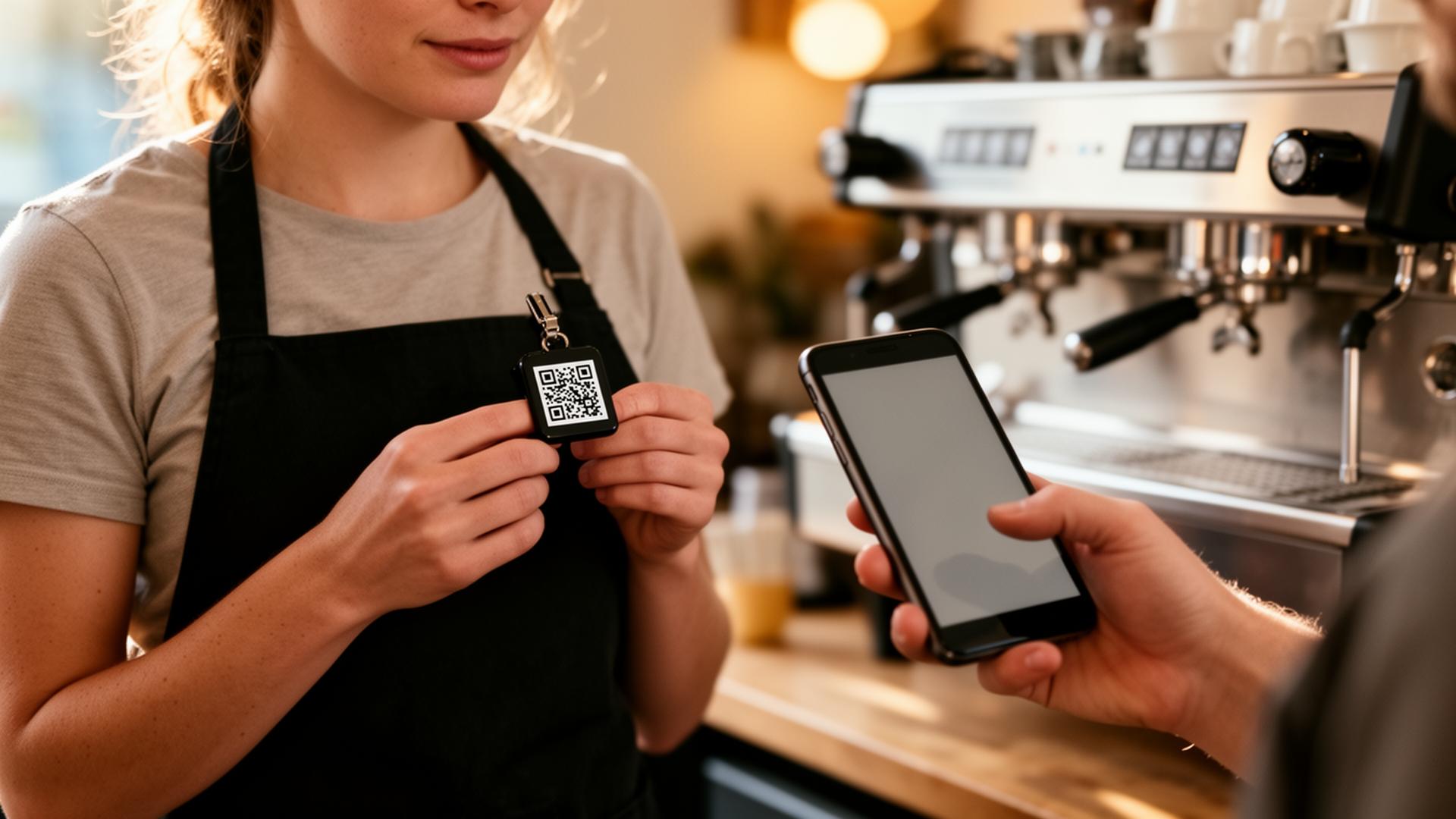
A digital tip jar is a QR code linked to your personal tip page. Audience members scan the code with their phone camera, choose their preferred payment app (Venmo, Cash App, PayPal), and send a tip directly to your account.
No app downloads. No sign-ups. No friction. Just scan, tap, tip.
With EZTipr, your digital tip jar is ready in under 60 seconds — and it's free.
Setting Up Your Digital Tip Jar
Step 1: Create Your Tip Page
Step 2: Download and Print Your QR Code
Your unique QR code is generated automatically. Print it large enough to scan from a distance:
Step 3: Create a Professional Display
Your QR code display should be:
QR Code Tipping by Performance Type
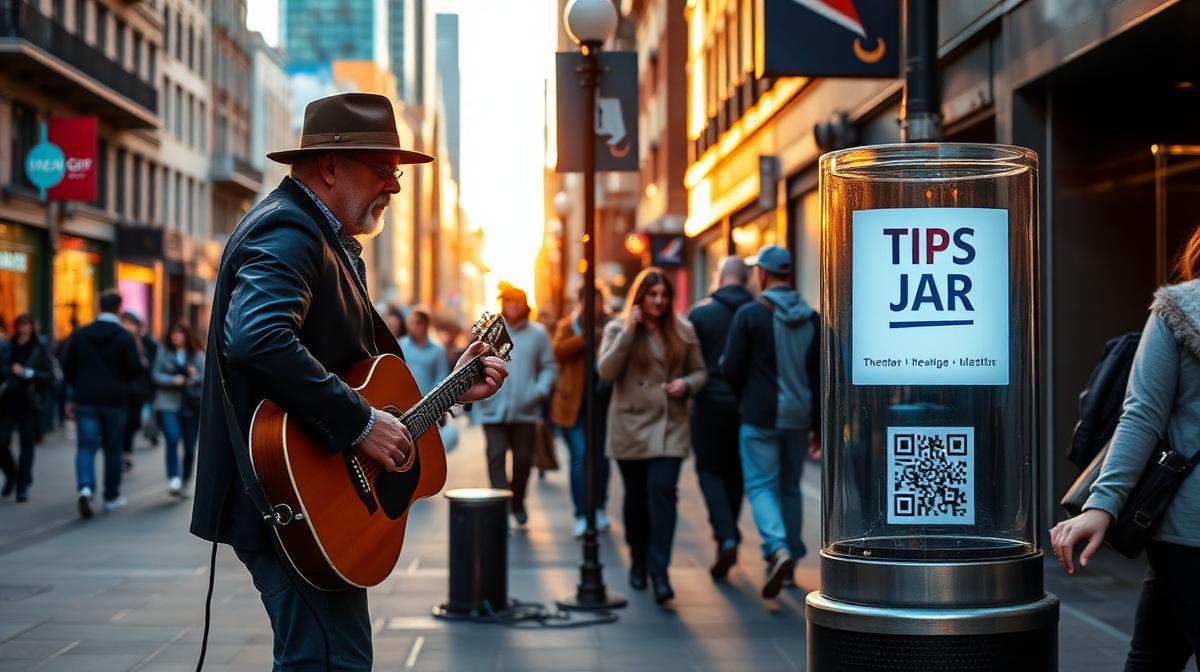
Street Performing / Busking
Street performing is where digital tipping has the highest impact. The reasons:
Best setup: Large QR code on a stand next to your open case. Include your name and a short bio ("Jake | Acoustic Guitar | Your Downtown Soundtrack"). This personal touch increases tips by 30%+.
Bar and Restaurant Gigs
Bar gigs present a different dynamic — your audience is seated, drinking, and in a generous mood:
Open Mic Nights and Small Venues
At open mics, every performer can benefit from a shared or individual QR code:
Festivals and Large Events
Festival performances reach the largest audiences. Set up:
Maximizing Your Digital Tip Income
The Power of Personality
Audiences tip musicians they connect with, not just musicians they hear. Between songs:
Social Media as a Tip Multiplier
Your social media presence is an extension of your tip jar:
Musicians who actively promote their tip link on social media earn 40-60% more in digital tips compared to QR-code-only approaches.
Set a "Goal" to Motivate Tipping
Some musicians display a tip goal: "Help me reach $100 today!" or "50 tips = I play an extra set." Gamification works — it gives the audience a reason to participate and creates a sense of collective achievement.
Real-World Success Stories
Jake, Acoustic Busker, Nashville
*"I switched to a QR code tip jar six months ago. My daily average went from $45 to $120. The biggest difference? People who would walk by now stop, scan, and tip $5-10. They couldn't do that with my old tip jar."*
Maria, Jazz Singer, New York
*"I play jazz lounges three nights a week. Adding a QR code to each table increased my tips by 80%. Bar patrons love that they can tip without flagging me down or finding cash."*
The Sidewalk Collective, Street Band, Austin
*"Our four-piece band shares one EZTipr page. We display a giant QR code on our banner. Festival weekends, we pull in $500-800 in digital tips alone — on top of whatever lands in the guitar case."*
Digital Tip Jar vs. Traditional Tip Jar: The Comparison
Getting Started: Your 3-Minute Setup
1. Create your free EZTipr page — add Venmo, Cash App, PayPal
2. Download your QR code — print it at 8x8 inches minimum for street performing
3. Create a sign: "🎵 Like the Music? Scan to Tip!" with your QR code
4. Laminate it — weather protection for outdoor performances
5. Start performing — mention the QR code naturally between songs
The setup costs nothing (EZTipr is free), takes 3 minutes, and can double or triple your tip income starting from your very next performance.
Frequently asked questions
What Is a Digital Tip Jar?
A digital tip jar is a QR code linked to your personal tip page. Audience members scan the code with their phone camera, choose their preferred payment app (Venmo, Cash App, PayPal), and send a tip directly to your account. No app downloads. No sign-ups. No friction. Just scan, tap, tip. With EZTipr, your digital tip jar is ready in under 60 seconds, and it's free.
How much does EZTipr cost?
The free plan is $0 and includes a tip page, a QR code and 1 payment method. Pro is $0.99 per month or $9.99 per year, which is 2 months free, and adds unlimited payment methods, themes, full analytics and removes EZTipr branding. Every new individual signup starts with a 7-day free Pro trial and no credit card is required.
Does EZTipr take a cut of tips?
No. Tips go directly from the guest to the worker inside the guest's own payment app. EZTipr never touches the money and charges 0% on tips.
Which payment apps can a tip page use?
Cash App, Venmo, PayPal, Zelle and Apple Pay, plus any custom payment link. Zelle and Apple Pay are copy-only so the handle stays private.
Related Articles

Ready to Earn More Tips?
Create your free tip page in under 60 seconds. No credit card required.
Get Started Free →