
How to Hide Your Name and Phone Number on Venmo
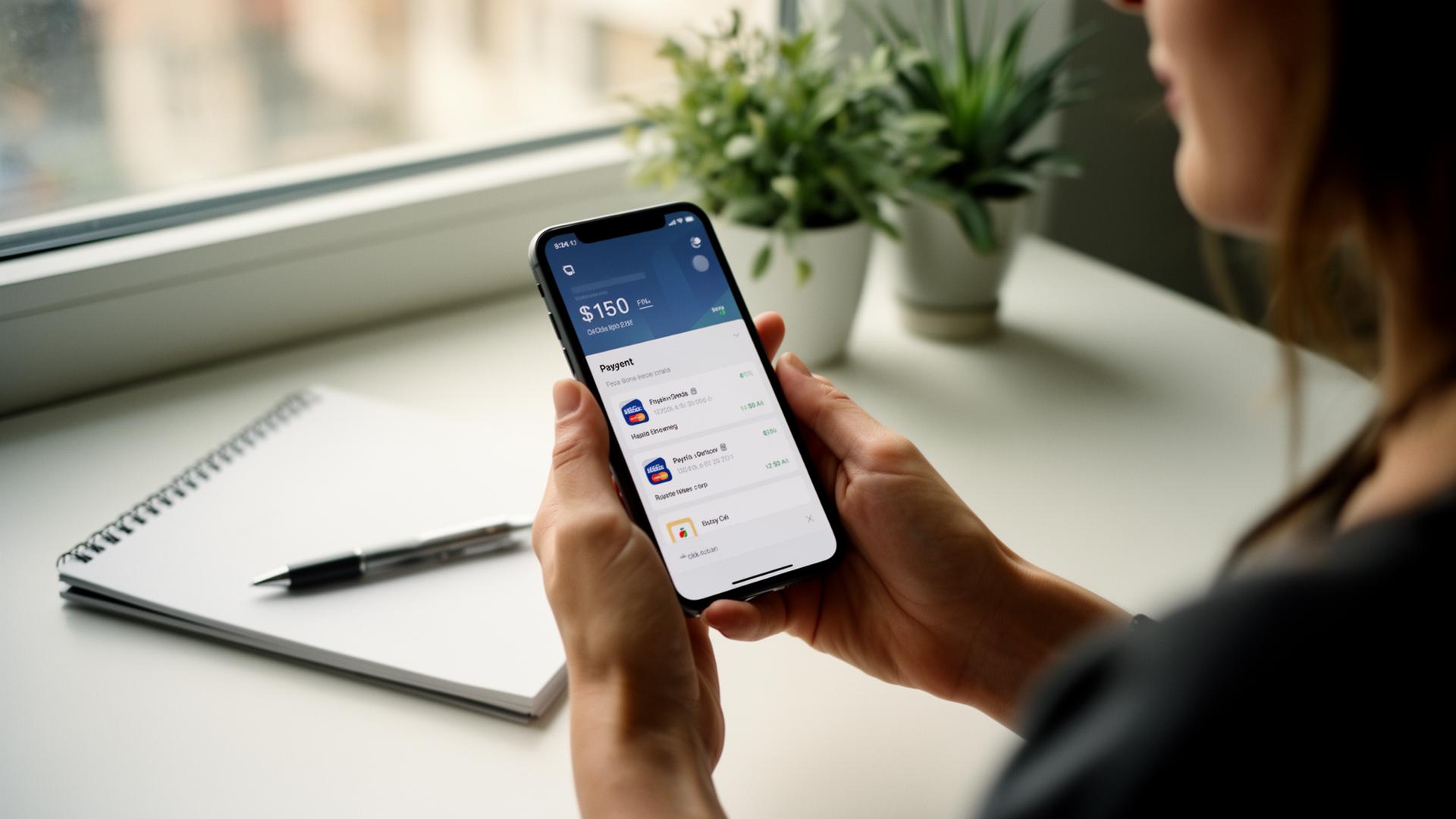
Venmo shows your full name and last-four phone digits to anyone who searches you. Change these 4 settings, then accept tips through a page that never shows your phone, email or legal name.
Quick answer
Venmo shows your full name and last-four phone digits to anyone who searches you. Change these 4 settings, then accept tips through a page that never shows your phone, email or legal name. If you put your raw Venmo, Cash App, Zelle, or PayPal handle on a public QR code, your full legal name, phone number, or email is exposed to anyone who scans it, including strangers, scrapers, and stalkers. The fix is a tip-page layer that displays a username you choose, deep-links into the payment app for legitimate tippers, and never exposes your raw email or phone publicly.
Short answer
If you put your raw Venmo, Cash App, Zelle, or PayPal handle on a public QR code, your full legal name, phone number, or email is exposed to anyone who scans it — including strangers, scrapers, and stalkers. The fix is a tip-page layer that displays a username you choose, deep-links into the payment app for legitimate tippers, and never exposes your raw email or phone publicly. Below: the privacy settings that matter on each app, plus how a tip page closes the gaps.
Why this matters
Most workers don't realize that:
For service workers, "the customer can see my full name" is rarely the worst case. The actual concern is scraping: bots pull QR codes off public photos, brute-force charge-request flows, or send harassing messages to your phone or email.
App-by-app privacy hardening
Venmo
1. Settings → Privacy → Default privacy → "Private". This stops new transactions from appearing in the public feed.
2. Settings → Privacy → Past transactions → "Change All to Private". Cleans up the back-catalog.
3. Settings → Privacy → Friends list → "Private".
4. Profile → display name: Venmo doesn't let you fully change your legal name on your profile, but you can adjust how it's shown.
This locks down the public feed — but the display name still shows when a payer searches your @handle. There's no way to hide it inside Venmo itself.
Cash App
1. Profile → Personal → display name. You can change this to your first name only or a stage name.
2. Profile → Privacy & Security → Notifications. Disable contact-book matching.
3. Cash App $cashtags are inherently public-searchable. Use a $cashtag that doesn't include your last name.
Zelle
Zelle has no username layer. If you post your Zelle "handle," you're posting your phone number or email — there is no way around this inside Zelle. The only fix is to never display Zelle as a raw QR. Use a tip-page layer (see below) that requires the customer to tap a button before revealing it.
PayPal
1. Settings → Account → Profile information → display name.
2. Use PayPal.me/yourpaypalusername — this exposes the chosen handle, not your real name on the URL itself, but the receiving page still shows your PayPal display name. Adjust accordingly.
Apple Pay
Same as Zelle — Apple Pay is linked to your phone or email. Never display it as a raw QR. Use copy-on-tap.
The tip-page layer
This is the real fix for service workers. A tip page does three things:
1. Display name is whatever you choose — your stage name, work nickname, first name only. Your real name never appears on the public page.
2. Deep-links into each payment app so legitimate tippers go straight to the app with your handle pre-filled.
3. Apple Pay and Zelle are copy-only — they're shown behind a button. The customer taps "Zelle," your contact gets copied to their clipboard, and the raw email/phone never appears as scrapable text on the page.
EZTipr does this by default. See the privacy section in our FAQs for the full breakdown.
Other tips for staying safe
Get started
Frequently asked questions
How much does EZTipr cost?
The free plan is $0 and includes a tip page, a QR code and 1 payment method. Pro is $0.99 per month or $9.99 per year, which is 2 months free, and adds unlimited payment methods, themes, full analytics and removes EZTipr branding. Every new individual signup starts with a 7-day free Pro trial and no credit card is required.
Does EZTipr take a cut of tips?
No. Tips go directly from the guest to the worker inside the guest's own payment app. EZTipr never touches the money and charges 0% on tips.
Which payment apps can a tip page use?
Cash App, Venmo, PayPal, Zelle and Apple Pay, plus any custom payment link. Zelle and Apple Pay are copy-only so the handle stays private.
Related Articles

Ready to Earn More Tips?
Create your free tip page in under 60 seconds. No credit card required.
Get Started Free →