How to Add a Tip Link to Your Instagram Bio
Step-by-step guide to adding a tip link to your Instagram bio so followers and customers can tip you directly from your profile.
Quick answer
Step-by-step guide to adding a tip link to your Instagram bio so followers and customers can tip you directly from your profile. If you're a service worker, performer, content creator, or anyone who earns tips, your Instagram bio is one of the most valuable spots on the internet. It's the first thing potential tippers see when they visit your profile, and it's where they'll look for a way to support you.
Your Instagram Bio Is Prime Real Estate — Use It
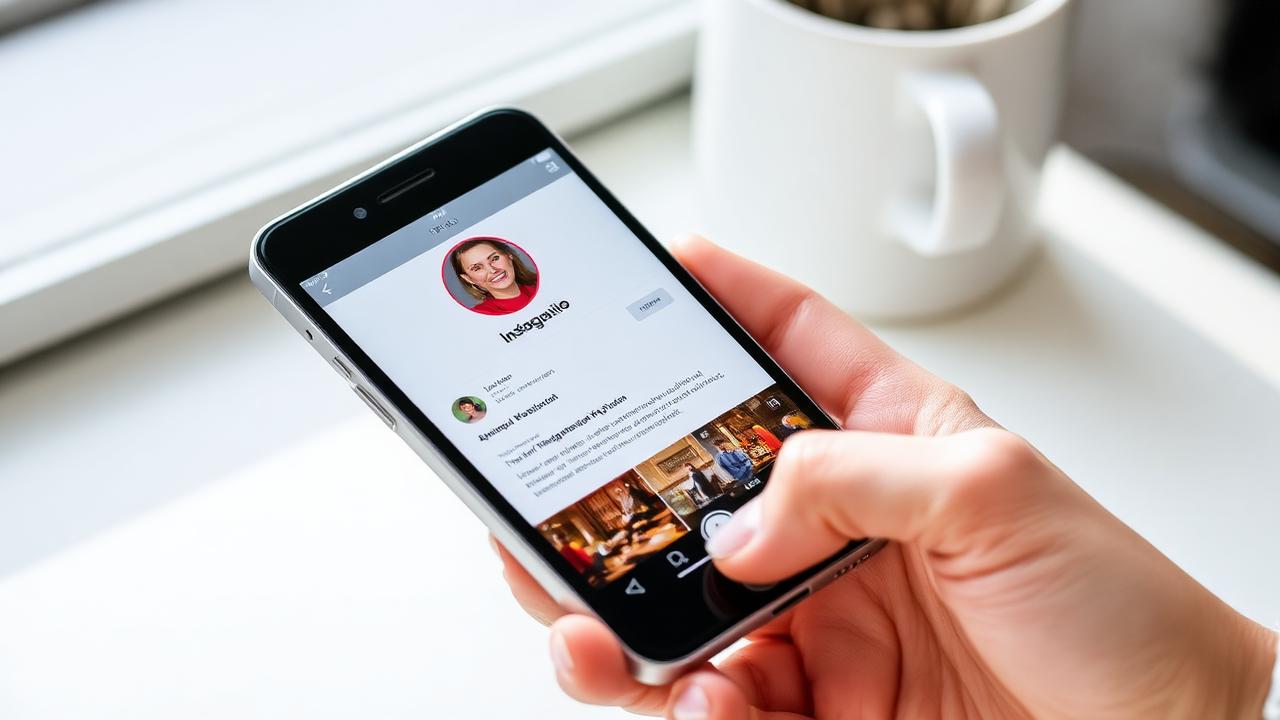
If you're a service worker, performer, content creator, or anyone who earns tips, your Instagram bio is one of the most valuable spots on the internet. It's the first thing potential tippers see when they visit your profile, and it's where they'll look for a way to support you.
Yet most people waste this space with a generic website link or nothing at all. Adding a tip link to your Instagram bio is one of the simplest, highest-ROI moves you can make.
Why Instagram + Tipping Works
Instagram is where your personal brand lives. Your followers already know and like you. They see your work, your personality, your hustle. All they need is an easy way to show appreciation.
Consider these stats:
Whether you're a bartender posting cocktail videos, a musician sharing performance clips, or a barber showing off fresh fades — your content is already doing the work. The tip link just captures the value.
Step 1: Create Your Tip Page
Before you can add a link, you need a destination. Sign up for EZTipr (free) and set up your tip page in under 60 seconds:
1. Choose your username (this becomes `eztipr.com/u/yourname`)
2. Add your payment methods (Venmo, Cash App, PayPal, etc.)
3. Upload a profile photo and write a short bio
4. Your tip page is live!
Why EZTipr over a direct Venmo/Cash App link?
Step 2: Add the Link to Your Instagram Bio
For personal/creator accounts:
1. Open Instagram → tap your profile picture
2. Tap "Edit Profile"
3. In the "Website" field, paste your tip page URL: `eztipr.com/u/yourname`
4. Save
For business/professional accounts:
1. Edit Profile → "Contact Options" or "Links"
2. Add your tip page URL
3. You can add up to 5 links — make your tip link one of them
Using a link-in-bio tool (Linktree, etc.)?
Add your EZTipr page as one of the links. Label it something inviting:
Step 3: Optimize Your Bio Text
Your bio text should mention that tipping is an option. Keep it natural:
Examples for different industries:
🍸 *Bartender by night | Cocktail artist | Tips always appreciated 👇*
✂️ *Master barber @shopname | Book: [link] | Tip your barber 👇*
🎵 *Musician & performer | Tips keep the music alive 💰 Link below*
💆 *Licensed massage therapist | Booking: DM | Tips welcome 👇*
🎨 *Tattoo artist @studio | Tips via link below 🖤*
The key elements:
Step 4: Promote It in Your Content
Don't just set it and forget it. Actively drive traffic to your tip link:
Instagram Stories
Reels & Posts
Highlights
Step 5: Track Your Results
With EZTipr Pro, you can see:
Use this data to post tip-related content when your audience is most active.
Real Results
Service workers who add tip links to their Instagram bio report:
Your Instagram followers are already your fans. Give them an easy way to support you.
Frequently asked questions
Why EZTipr over a direct Venmo/Cash App link?
One link covers ALL payment apps, don't force followers to use a specific one Professional look, a branded tip page vs. a raw Venmo URL Analytics, see how many people click and which payment methods they prefer
Using a link-in-bio tool (Linktree, etc.)?
Add your EZTipr page as one of the links. Label it something inviting: *"💰 Leave a Tip"* *"☕ Buy Me a Coffee (literally)"*
How much does EZTipr cost?
The free plan is $0 and includes a tip page, a QR code and 1 payment method. Pro is $0.99 per month or $9.99 per year, which is 2 months free, and adds unlimited payment methods, themes, full analytics and removes EZTipr branding. Every new individual signup starts with a 7-day free Pro trial and no credit card is required.
Does EZTipr take a cut of tips?
No. Tips go directly from the guest to the worker inside the guest's own payment app. EZTipr never touches the money and charges 0% on tips.
Which payment apps can a tip page use?
Cash App, Venmo, PayPal, Zelle and Apple Pay, plus any custom payment link. Zelle and Apple Pay are copy-only so the handle stays private.
Related Articles

Ready to Earn More Tips?
Create your free tip page in under 60 seconds. No credit card required.
Get Started Free →