
Airport Skycap Tipping: QR Tips for Curbside Staff
Travelers rarely carry cash at the curb. Here is how concession operators let passengers tip skycaps, wheelchair attendants and shuttle drivers by QR in seconds.
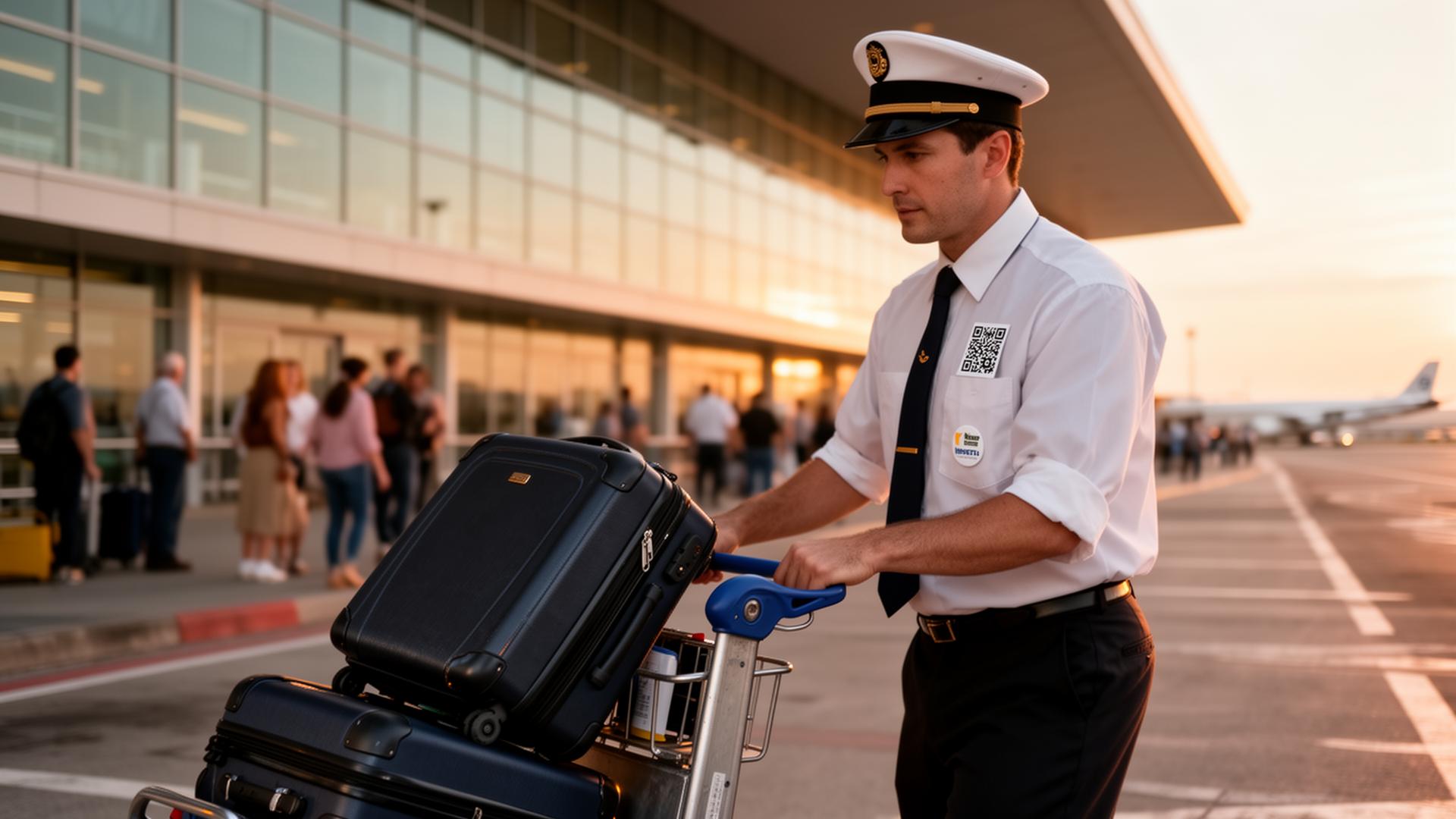
Quick answer
Why this matters in 2026
If you run parking operations, you already know the truth: travelers who arrive at the airport in a rush, hand over a $400 bag, and realize they have no cash on the curb. Cash tipping is in structural decline, and the gap between what guests want to give and what staff actually receive is widening every quarter.
For operators, that gap is not just a staff problem. It is a retention problem, a recruiting problem, and a guest-experience problem all at once. The best front-line workers in 2026 quietly track which workplaces let them earn real tips, and they vote with their feet within 90 days.
The good news: solving it does not require a POS migration, a new payroll vendor, or a single line of code from your IT team.
The operator's argument for direct digital tipping
Direct digital tipping routes a guest's tip straight from the guest's wallet (Cash App, Venmo, PayPal, Zelle, Apple Pay) to the individual worker's account — never through your business, never through a tip pool, never through a 30-day payroll cycle.
The operator wins because:
The worker wins because they get tips that do not depend on whether the customer notices the app's tip prompt, instantly, in the app they already use.
The 7-day rollout plan
Most operators we work with go from "we should look at this" to "every employee has a branded pin on their apron" in under two weeks. Here is the calendar:
Day 1 — Org account + brand setup
Create your organization on EZTipr (it takes about 4 minutes), upload your logo, choose your brand color, and pick your industry. This automatically configures the right message presets for your guests, the right card templates for your team, and the right tipping-payment-method order.
Day 2 — Add your team
Invite your employees from the admin panel by email or CSV. Each invitation creates a personal tip page branded to your org — same color, same logo, same look. Employees set up their preferred payment apps in under 60 seconds on their phone.
Day 3 — Order branded hardware in one bulk shipment
From the bulk hardware ordering tool, pick the product mix: branded 2.25" QR pins for uniforms, 3"×3" magnets for back-of-house, 3"×3" stickers for guest-facing surfaces, or tip cards for in-room placement. The system generates per-employee branded artwork automatically — your logo on top, the employee's name on the bottom, their unique QR code in the middle. One Printful order, one box, shipped to one address. You get the standard 10% multi-employee discount.
Day 4 — Run a 30-minute pilot training
Walk one shift through the new flow. Three talking points:
1. Show the pin — make sure guests can see it from where they sit.
2. Mention it once, naturally — "If you'd like to tip, you can scan that QR right there."
3. Don't push — the QR does the work.
Day 5 — Soft launch with one location or one team
Pick your highest-volume location or your most enthusiastic team. Let them run with it for 48 hours. Watch the org analytics dashboard for early signal — guests who scanned, guests who tipped, and average tip size.
Day 6 — Roll out to remaining staff
Once you have positive signal from the pilot, ship hardware to remaining locations or teams. Most operators do this in one wave; very large groups stage it by region.
Day 7 — Establish your weekly review cadence
Pull the CSV export every Friday. Look for two things: which employees are out-performing the average (recognize them), and which locations are under-performing (investigate).
What the numbers usually look like
Across operators in transportation, the patterns are consistent:
Where most operators get it wrong
Three things sink rollouts:
1. Hiding the QR. A pin on a back pocket does not get scanned. A pin on a chest or apron front does.
2. Pushing it. Guests recognize a hustle. The right script is one sentence, said once.
3. Not closing the loop. Pull analytics weekly. Recognize the top performers publicly in your pre-shift. The behavior reinforces itself.
How EZTipr fits
EZTipr is the org-wide tipping platform built specifically for this rollout. Highlights:
For a deeper look at any of these, see the Teams overview, the AI Org Assistant page, or the Parking Attendants industry guide.
FAQ
Does EZTipr replace our POS?
No. EZTipr sits alongside your POS. Your register, kiosk, and self-order app stay exactly as they are. The tip is a separate, direct guest-to-worker transaction.
Do we need to change our tip pool?
That is up to you. EZTipr supports both direct-to-worker tipping (most common) and a hybrid where part of a guest tip is split across roles. Most operators move to direct for front-of-house and keep a pooled back-of-house gratuity line, because the compliance math is cleaner.
Who owns the money?
The worker. Tips route directly from the guest's wallet to the worker's payment app. The funds never touch your business.
How long until staff see a tip in their wallet?
Instantly. Most payment apps (Cash App, Venmo, Zelle) settle in seconds.
What does it cost the operator?
EZTipr has flat-tier organization pricing — see pricing. There are no per-transaction fees on the operator side. The worker pays whatever their payment app's standard receive fee is (typically zero for friends-and-family-style receipts).
Can guests tip without downloading anything?
Yes. The whole flow happens in the guest's existing payment app. No EZTipr app, no account creation, no signup.
Get started
If you operate in parking operations and want to ship a tipping program your team will actually use, the fastest path is:
Scan. Tip. Done. That is the whole promise. The 30 minutes you spend setting this up this quarter is the highest-ROI ops change you will ship all year.
Related Articles

Ready to roll this out to your team?
Spin up your free organization in under 5 minutes. Branded pages, bulk hardware and org analytics, all under one bill.
Start a Team Free →